
Author
Create SOPs with a rich-text editor and organize them with SOP categories.
Dayzen HRMS + Project Management System — people ops and delivery in one product family.
See all modulesHRMS feature
Author procedures, organize categories, assign SOPs to employees, confirm read receipts, and review compliance reports — including welcome SOPs for newly activated joiners.
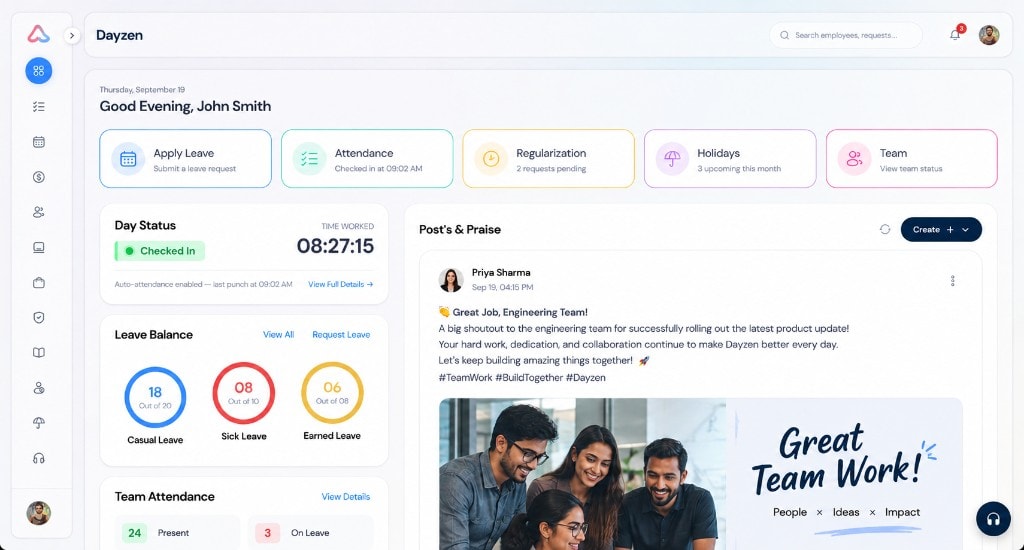
Step 1
Create and organize SOPs by category and structure.
Step 2
Distribute procedures with assignment rules and revisions.
Step 3
Employees read assigned SOPs and confirm receipts.
Step 4
Review compliance reports — including welcome SOPs on activation.
Compliance in HRMS
Create SOPs with a rich-text editor and organize them with SOP categories.
Distribute SOPs with assignment rules and manage revisions from the admin SOP workspace.
Employees confirm reads in My SOPs. Compliance reports show who completed required reading.
Onboarding link
Start from a blank SOP structure, then assign and track reads in Dayzen.
Keep exploring
SOPs align with employee records, onboarding activation, and day-to-day people ops.
People directory and assignments.
Explore Employee managementWelcome SOPs on activation.
Explore OnboardingStages and exit events after activation.
Explore Employee lifecycleEquipment policies that need documented SOPs.
Explore Asset managementSee the full hire-to-exit module set.
Explore HRMS overviewSOP management software helps organizations author standard operating procedures, assign them to employees, and track whether required reading has been completed. Dayzen SOP management includes categories, assignments, read receipts, compliance reports, and welcome SOP assignment for newly activated employees.
Yes. Employees open assigned SOPs in My SOPs and confirm read receipts. Administrators can review compliance through SOP reports.
Yes. Dayzen can automatically assign welcome SOP reading material when new employees are activated, connecting SOP management to the onboarding flow.
Prefer a walkthrough? Book a demo.
Bring a sample procedure — we will show authoring, assignment, and compliance reporting in the HRMS.